




Layers01
Every layer stays editable
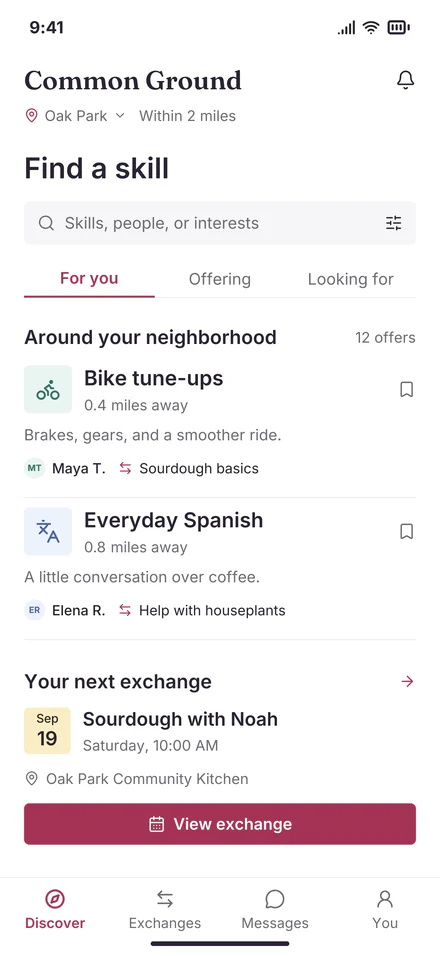
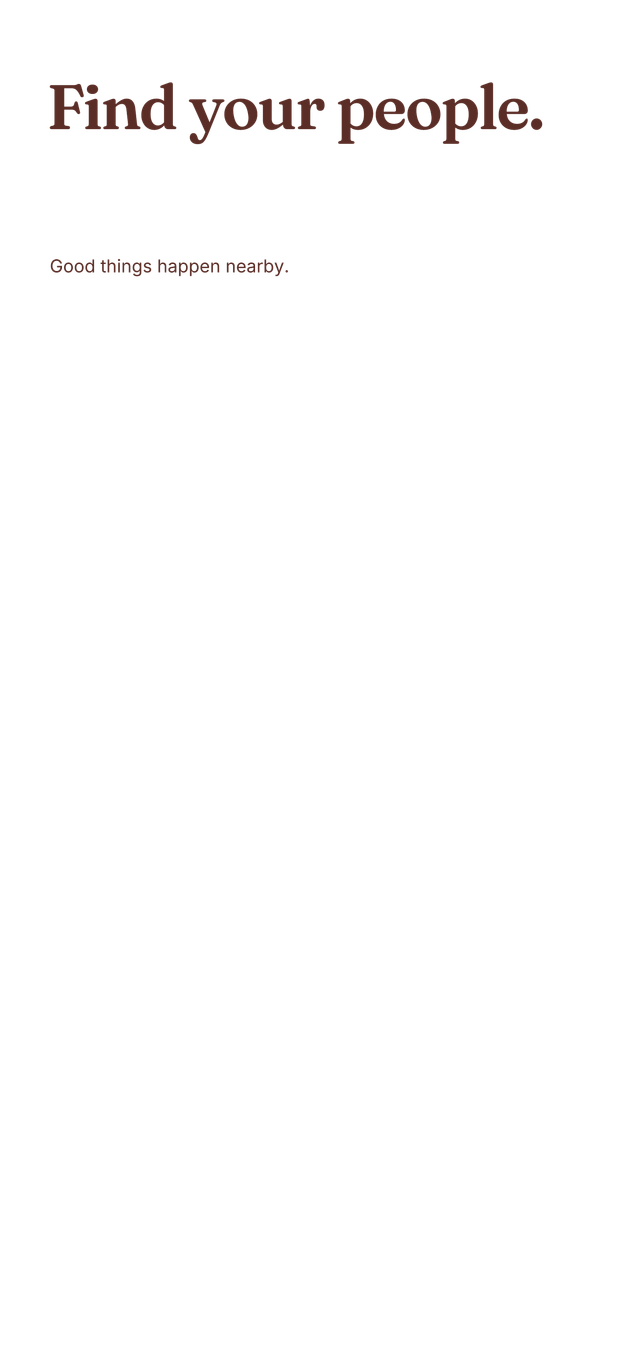
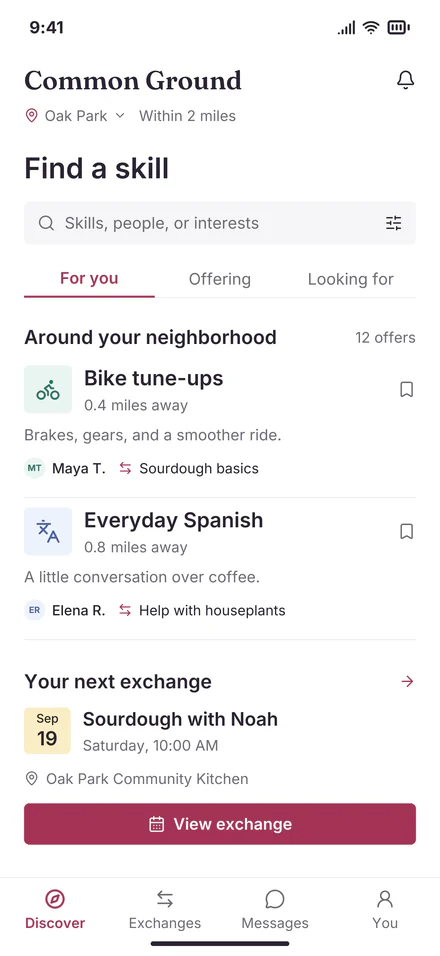
Background, art, device frame, your screenshot and headline are separate layers. Move, recolor or rewrite any of them, and keep the project as an .appliftoff file to open again.
Upload once and preview your app across every collection. Each one gives you ten editable screenshots in four sizes for iPhone, iPad and Android.
Or drop a screenshot anywhere
Try it with your app
Bring one screenshot for a quick first look: three distinct styles, rendered by the studio in your browser. Pick any collection below and it shows the same upload.
Your image stays in this browser.
Sample app shown. Add your screenshot to see it in each style.
Collections · 10 screenshots each
One stage. A different world with every turn.
Slow scroll to explore · Fast scroll to continue
Change the words, colors and layout around your screenshot, then export the whole set. Your interface stays intact.
Background, art, device frame, your screenshot and headline are separate layers. Move, recolor or rewrite any of them, and keep the project as an .appliftoff file to open again.
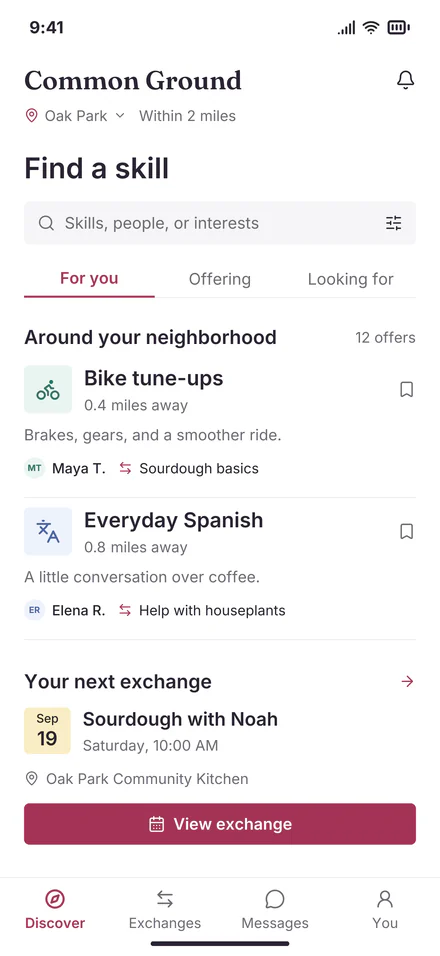
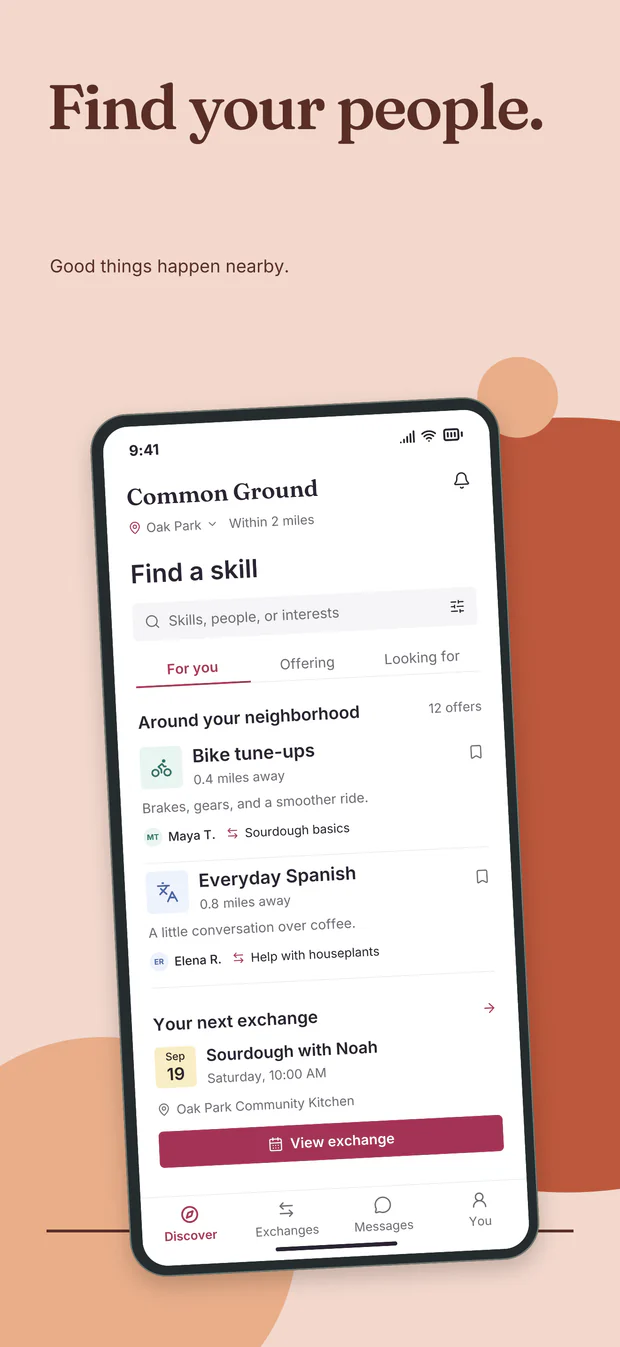
Your original app screen stays inside the device frame. You choose the headline, background and layout around it.
Film 1:52
A live animation, not a screen recording: Studio’s interface rebuilt in code around real outputs and layers of the Common Ground sample, a fictional app. The AI film below shows Studio’s AI tools the same way.
The whole journey in one take: one screenshot, every collection, its layers, Studio, every store size, languages and the export. It is a live animation of a replica of Studio’s interface with real outputs of the Common Ground sample, so its words are real text. The AI film below shows Studio’s AI tools the same way.
Better together · 10 screenshots
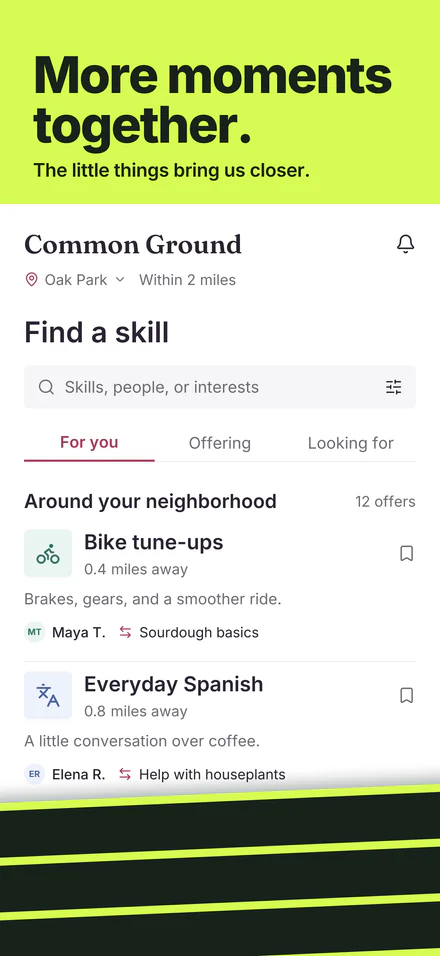
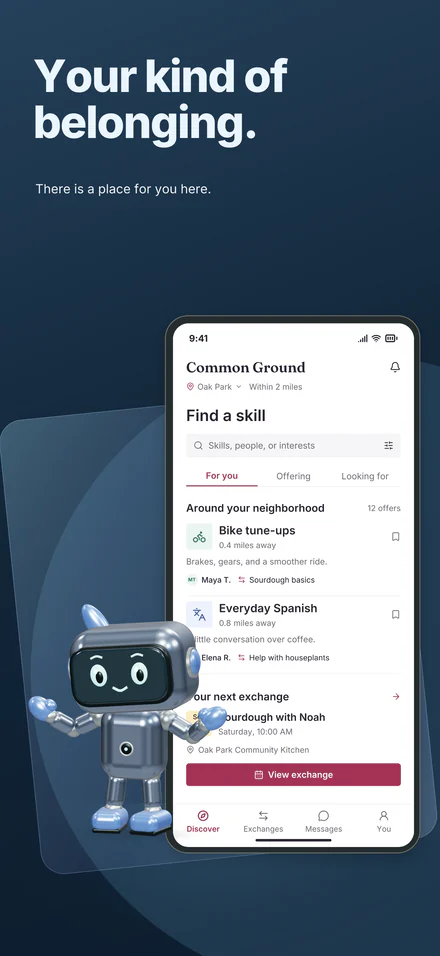
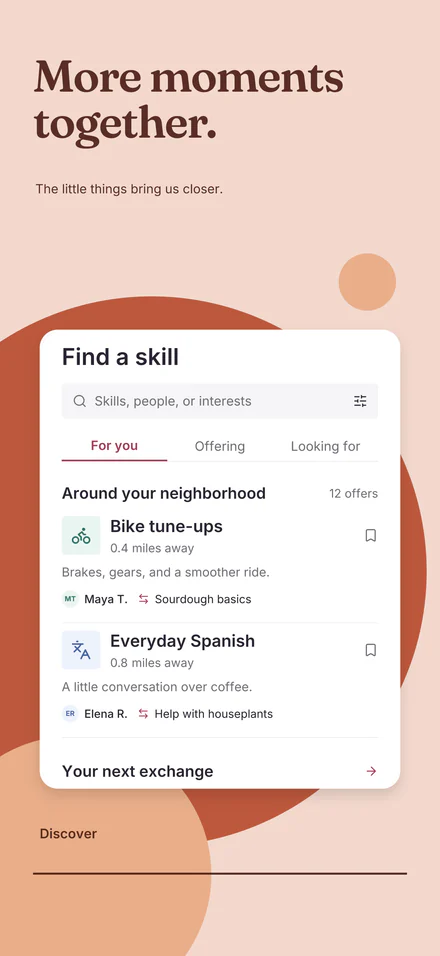
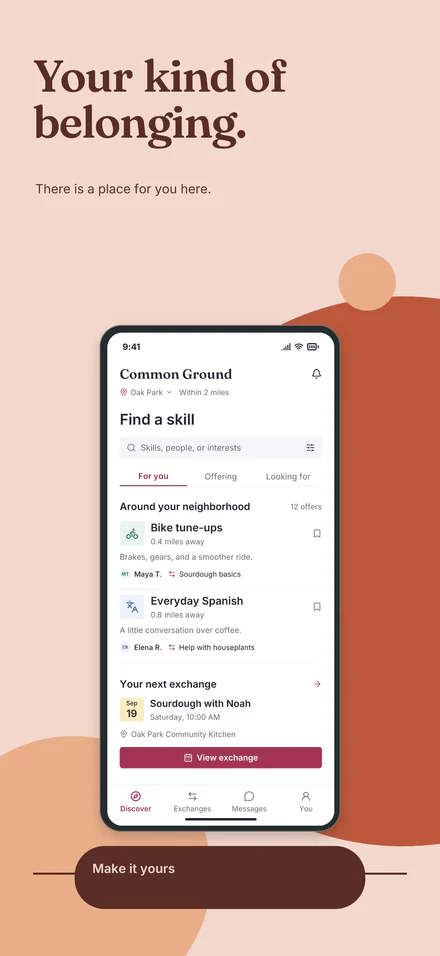
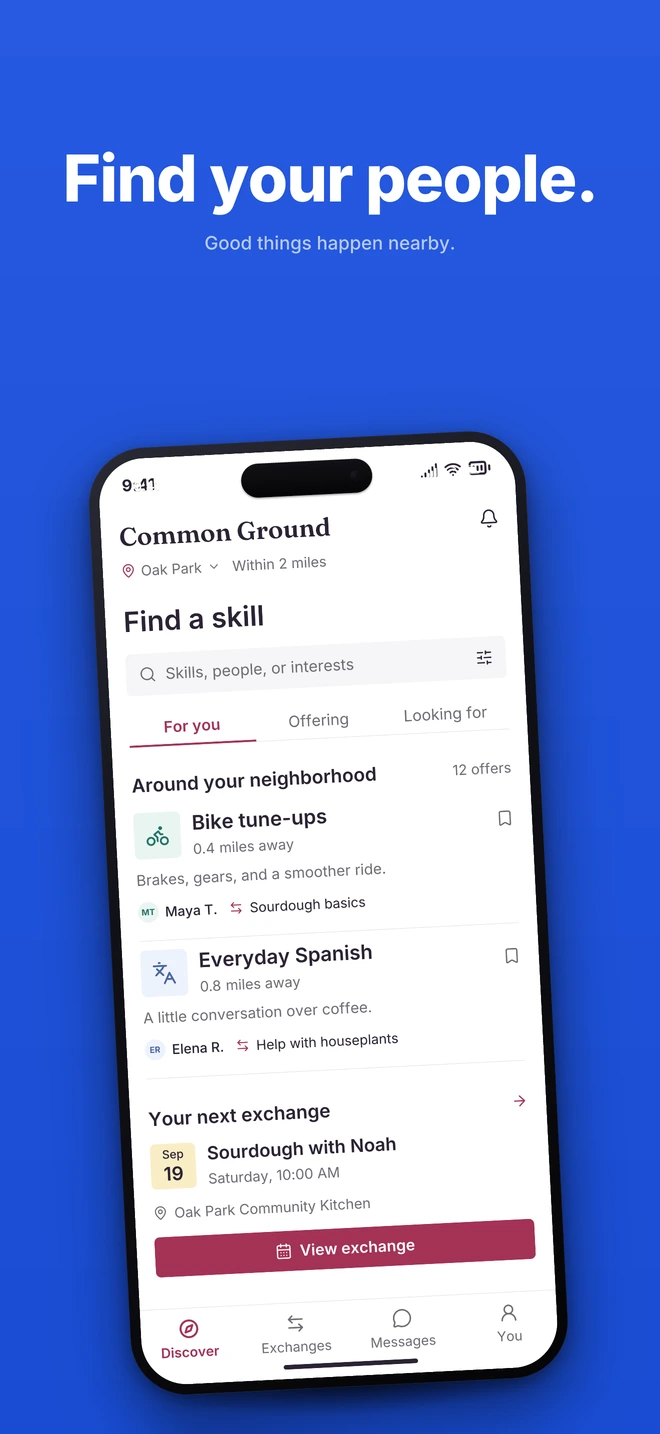
A collection fills your project with a five-screen story plus five matching layouts, built around your screenshot.
Better together · its starting headlines
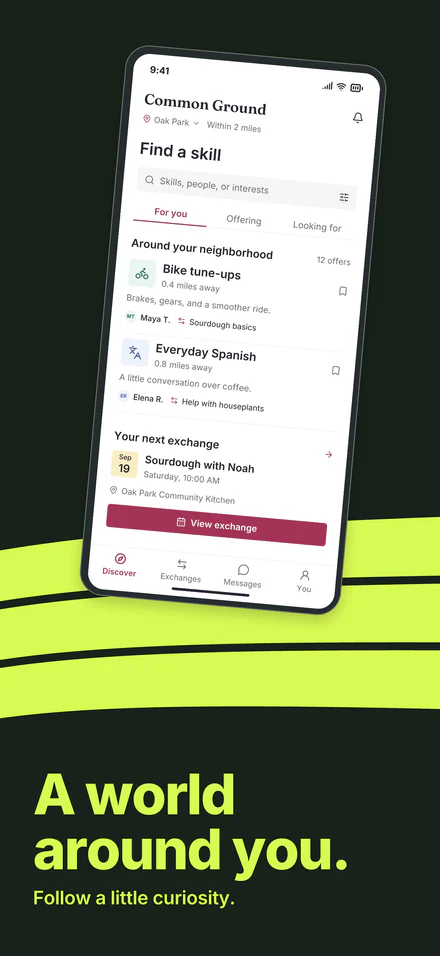
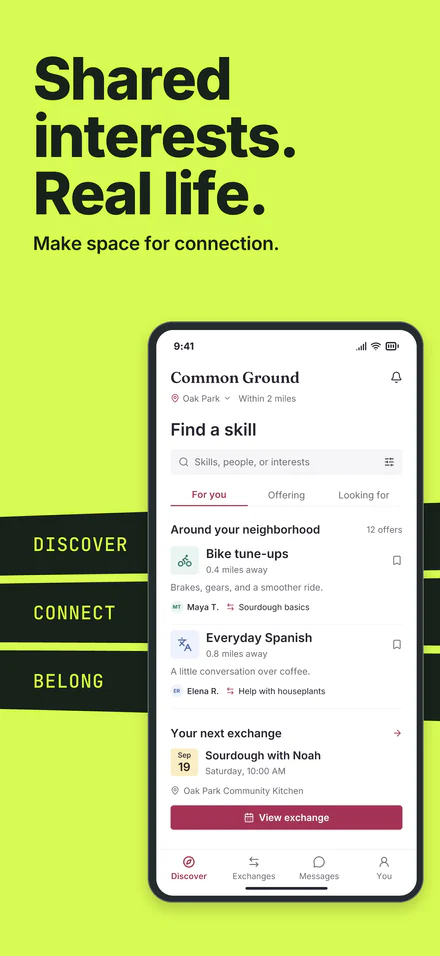
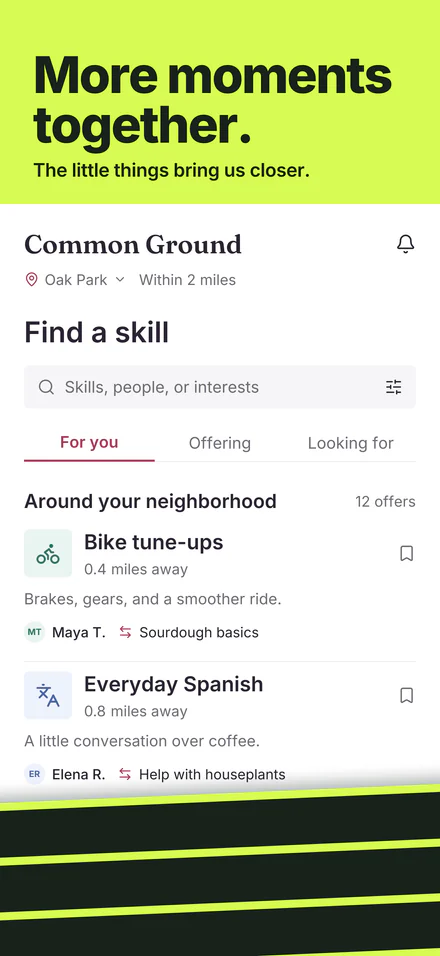
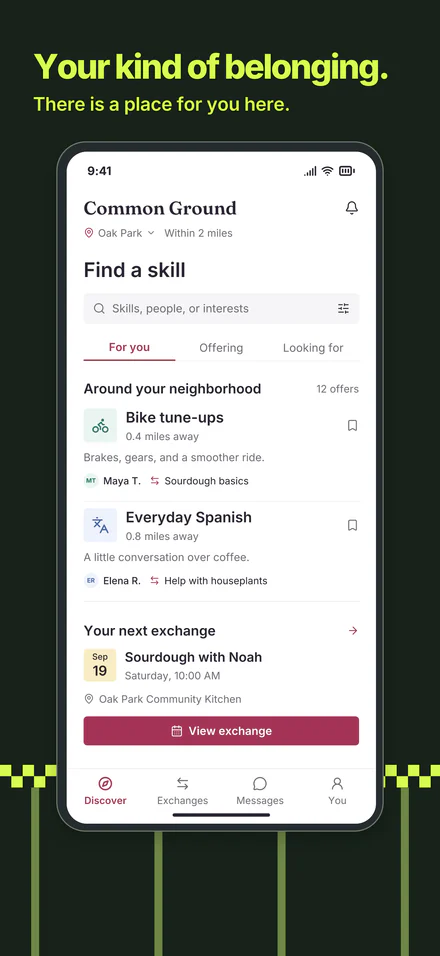
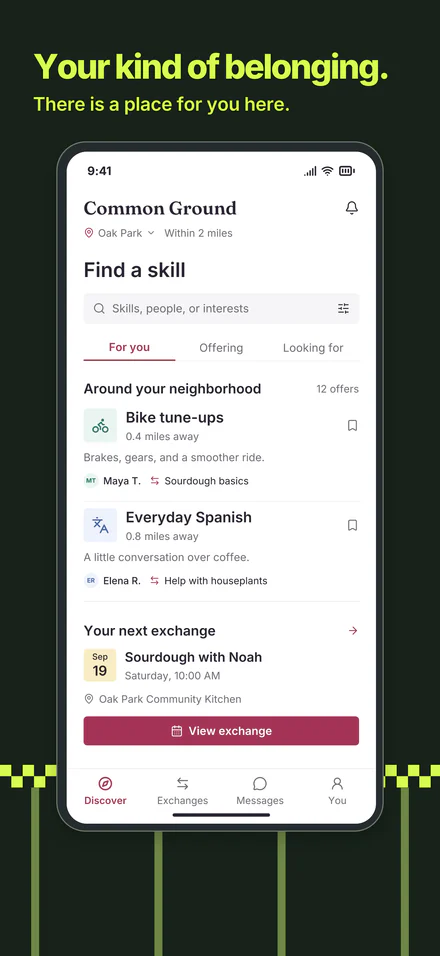
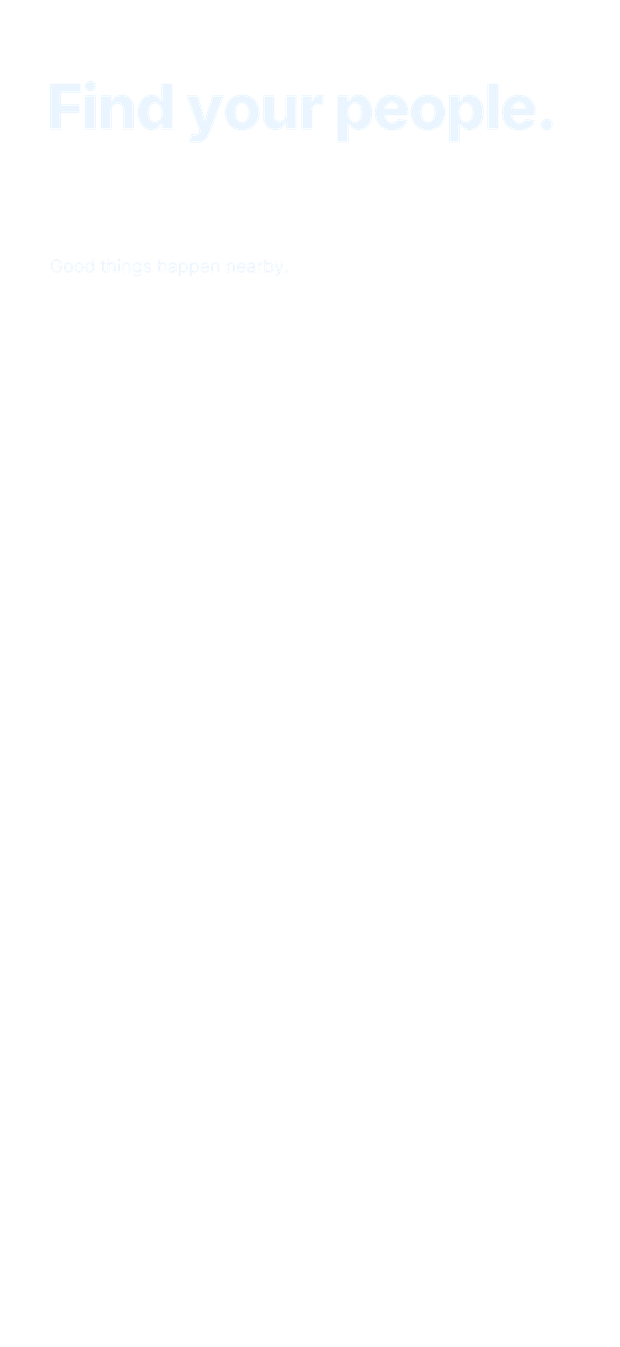
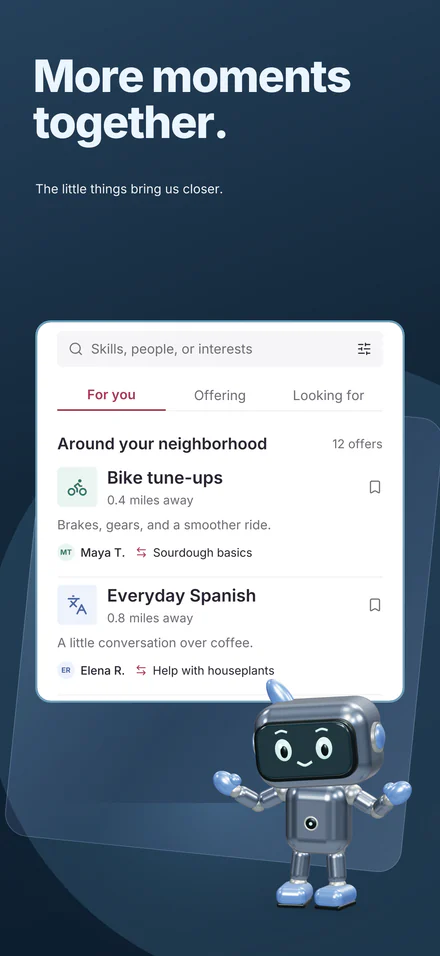
Story 01Find your people.
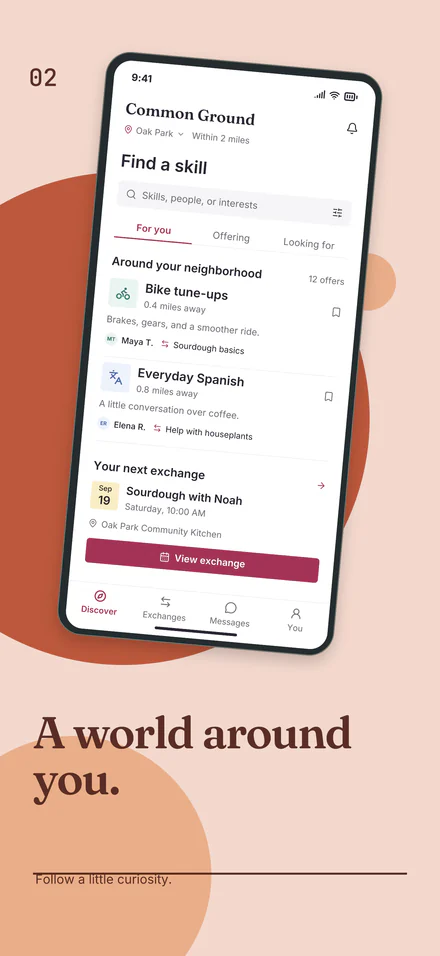
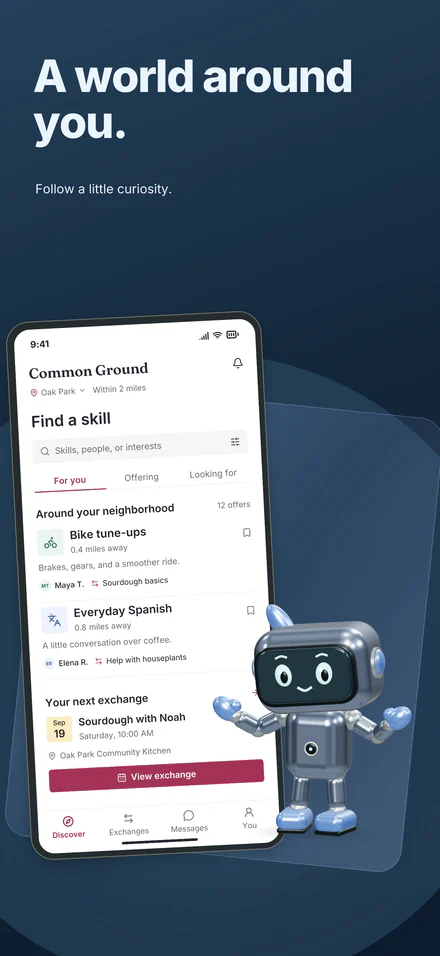
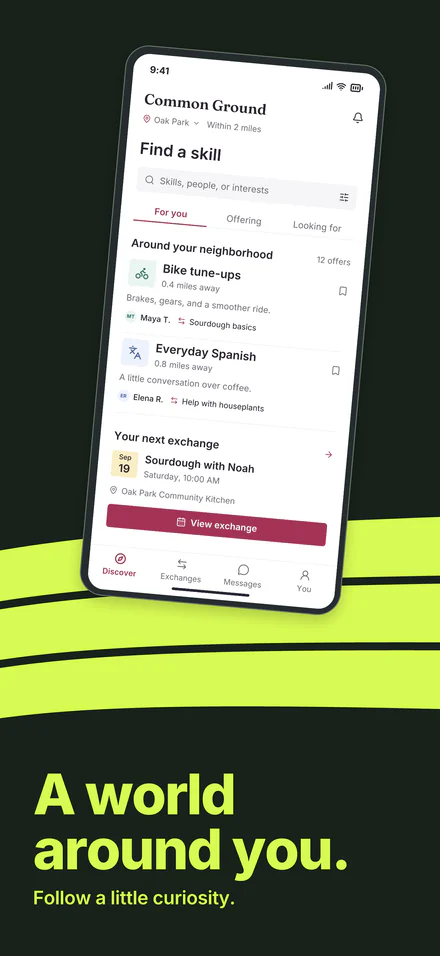
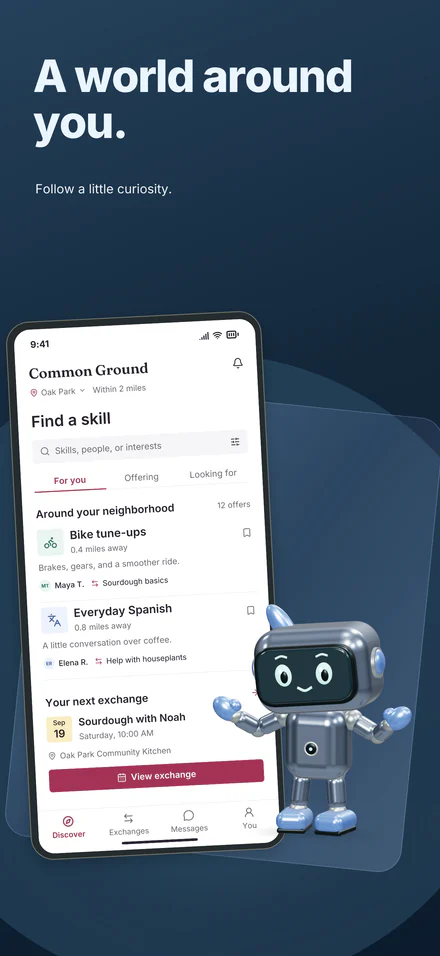
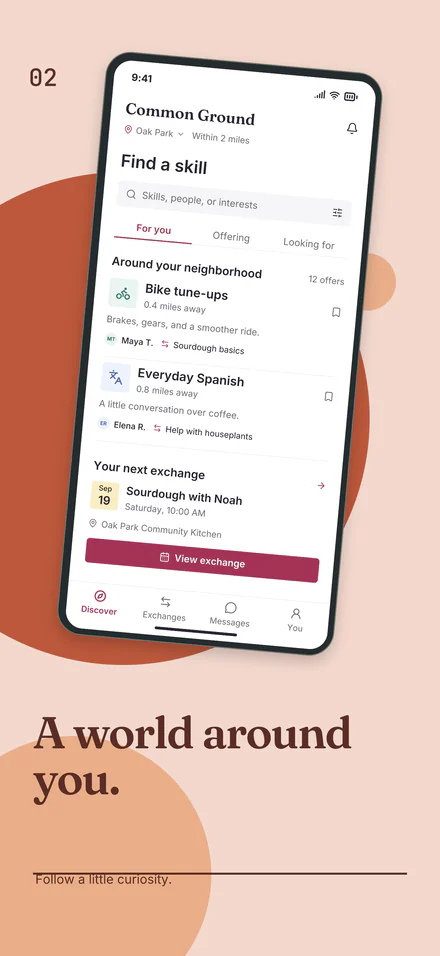
Story 02A world around you.
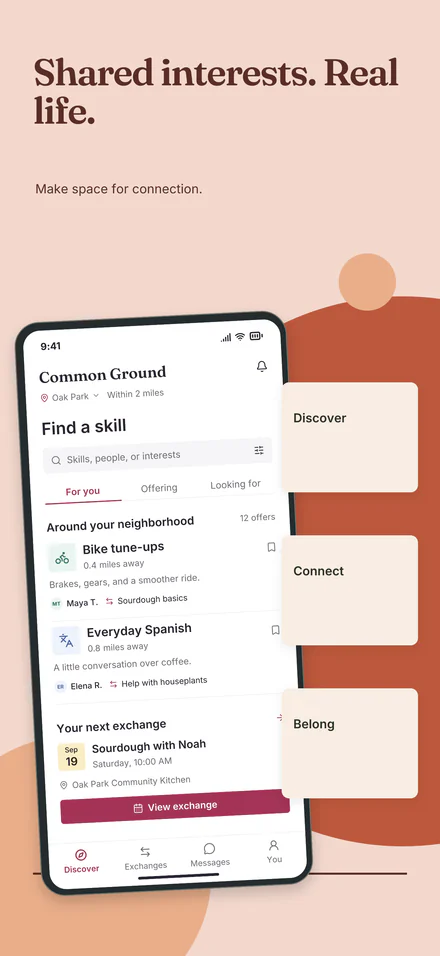
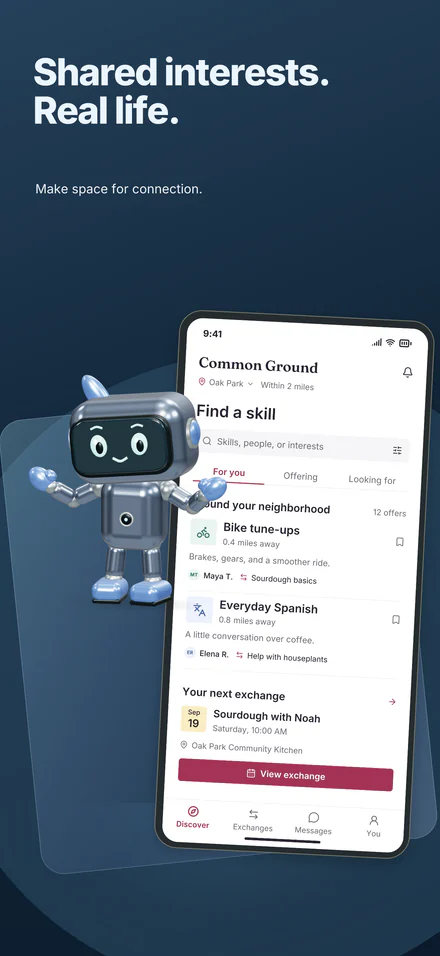
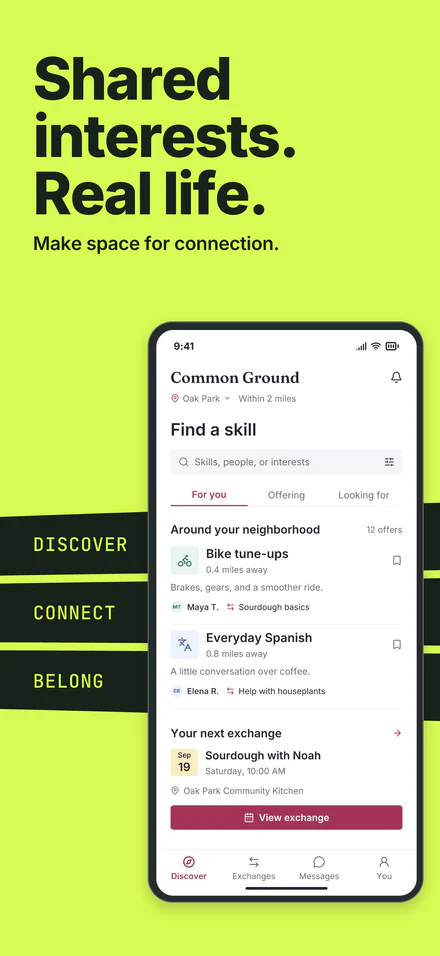
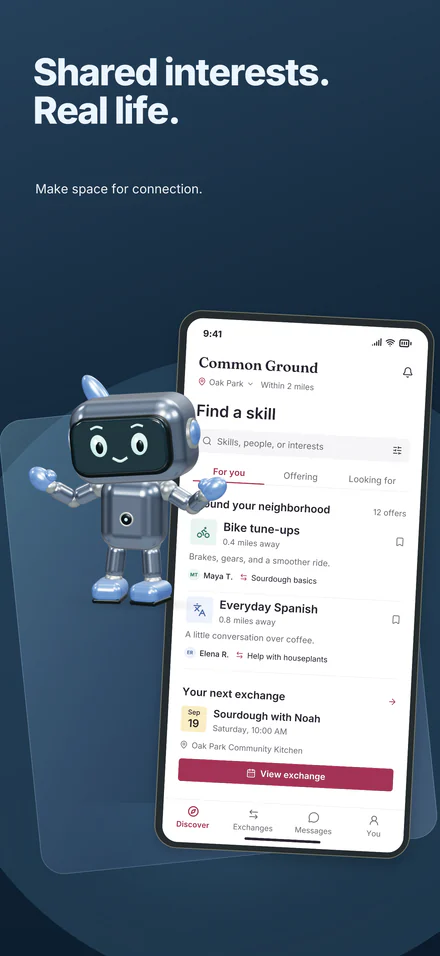
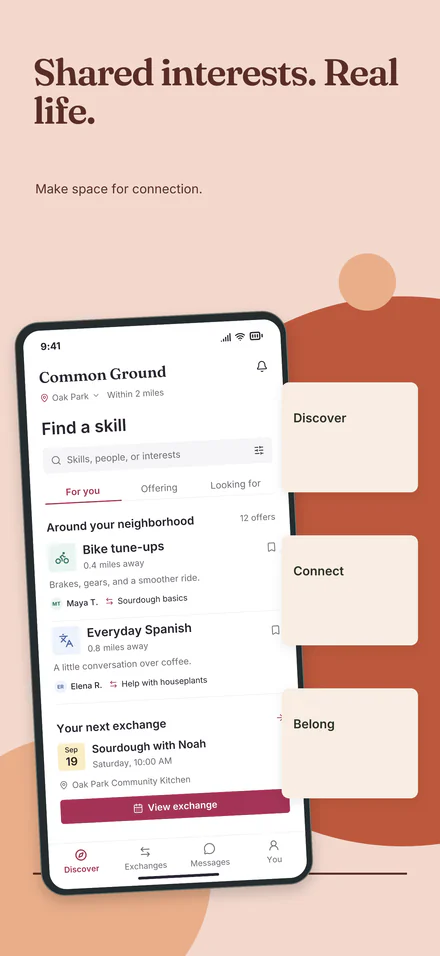
Story 03Shared interests. Real life.
Write the whole set drafts every headline and supporting line for your app. Rewrite with AI gives new wording for every headline at one size, in a tone you pick, to keep or undo. Included with the $10 unlock, capped per project.
Studio sets your screenshot text in each language, including Chinese (Simplified) and Arabic, in fonts that cover the script. With an unlocked project, AI-assisted translation drafts one language per request, within an hourly and daily allowance per project, for you to check: it does not shorten words to fit. You can also export the text, translate it your way and import it. Your app’s screen and any text inside images stay as they are.
Real render
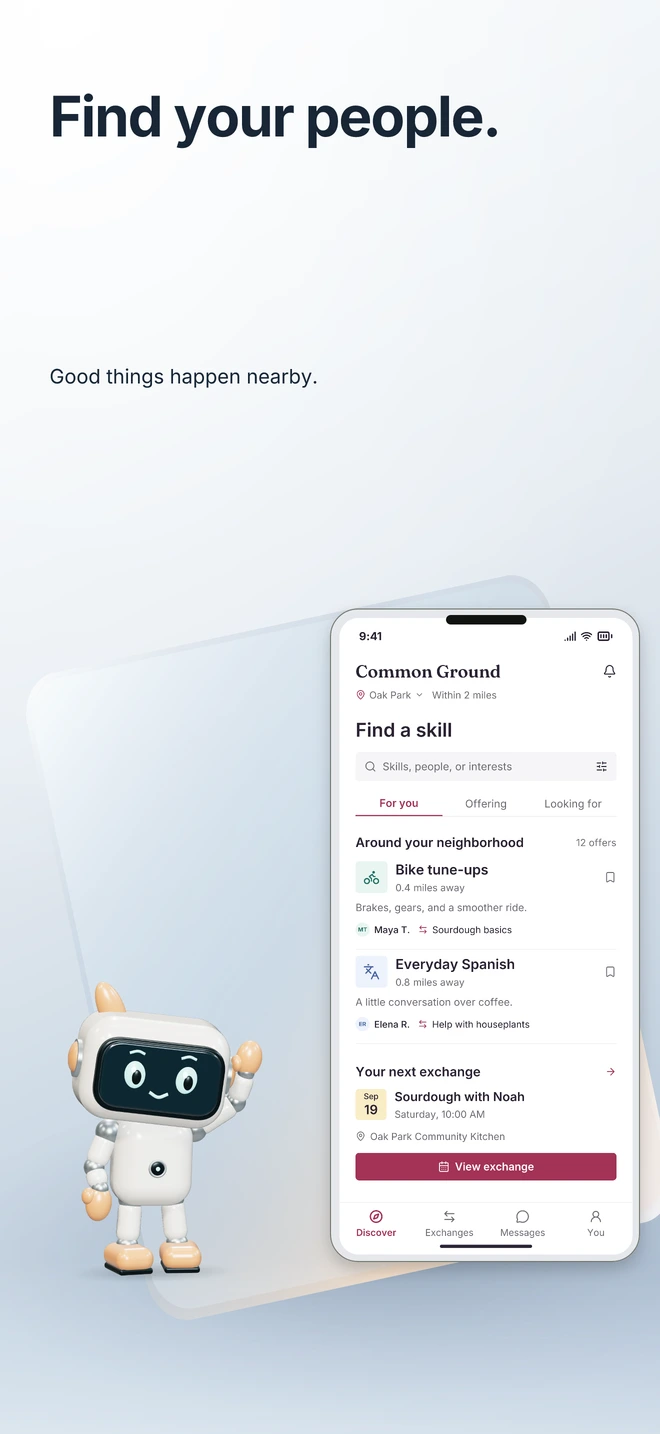
Pose it, color it and light it, then keep editing it in Studio. It exports as a still image, and your screenshot stays editable on its own.


Panoramic collections run one picture across screenshots 1 and 2, so your listing opens as a single wide scene.
AI film 1:14
A live animation, not a screen recording: Studio’s interface rebuilt in code. Every AI result in it is real, made by Studio’s own tools for Common Ground, a fictional sample app, and shown as it came back.
Write the whole set, Rewrite with AI, Suggest with AI and Generate background image, each run by Studio on Common Ground, a fictional sample app. It is a live animation of a replica of Studio’s interface, and every AI result in it is a real Studio output, shown as it came back. Included with the $10 unlock, capped per project. None of these tools sends your screenshots. The journey film above describes AI-assisted translation in its Languages chapter.
A live animation, not a screen recording: Studio’s interface rebuilt in code. Every AI result in it is real, made by Studio’s own tools for Common Ground, a fictional sample app, and shown as it came back.
Every project exports at the four standard sizes. Each is laid out for its own screen, not stretched: here is one screenshot of the Room to focus collection at each. The iPad screenshot is optional; without one, the iPad size shows your phone screenshot in a phone frame, not cropped or stretched to fit.
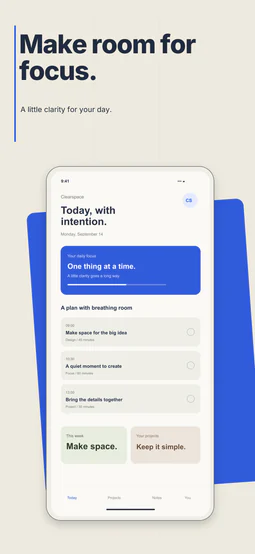
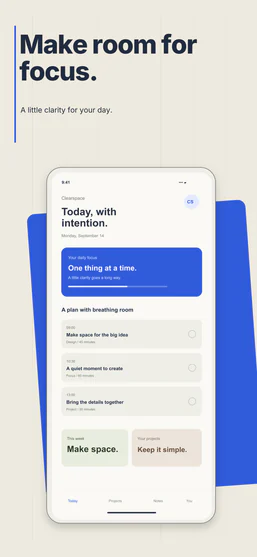
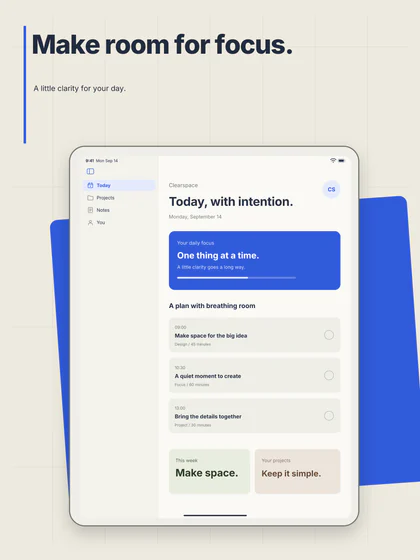
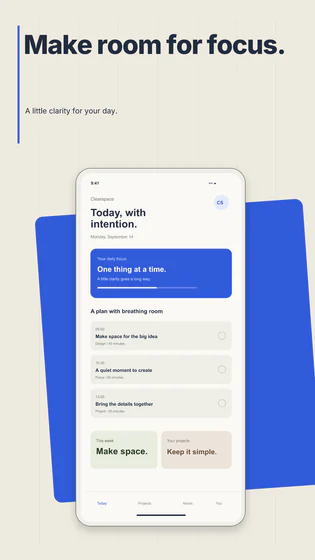
4 more sizes, each starting from your iPad layout, scaled to fit, with your phone screenshot in a phone frame. Apple says dedicated iPhone Duo asset uploads in App Store Connect will be available later in 2026.
Add a native Android tablet and a tall Android phone, each with its own editable layout, and Google Play’s optional 10-inch tablet size. Play does not require tablet screenshots.
40 PNGs in one ZIPUp to 80 with iPhone Duo
Upload a screenshot and edit for free, with no account. When it looks right, unlock the project for $10 and download it clean.
Upload screenshots, preview them across every collection, edit every layer and keep drafts in this browser, all without an account. The preview carries the Appliftoff mark.
$10 unlocks clean PNG downloads in every size, saving to your account, AI-assisted translation, and with Window light an optional promo MP4 (not an App Store App Preview). No subscription. No credits. It never renews. AI translation, AI background suggestions, AI background images, Rewrite with AI and Write the whole set: included with the $10 unlock, capped per project.
If your screenshots aren’t accepted by the App Store or Google Play because of their size or format, email us within 30 days for a full refund. Sizes marked as coming later, like iPhone Duo, are covered once the stores accept them.
Yes. Editing is free and needs no account: upload your screenshots, use any collection, change every layer and keep drafts in this browser. The preview carries the Appliftoff mark. You pay only to unlock a project: clean PNG downloads in every size, the optional promo MP4, saving to your account and AI-assisted translation.
Yes. A collection fills your project with ten screenshots: a five-screen story plus five matching layouts, built around your screenshot. Every headline, background and screenshot stays editable.
Yes. Change its pose, colors, material, camera angle and lighting. Your screenshot, text and background stay editable on their own. Exports are still images, not animations.
10 screenshots (5 story, 5 matching layouts) at 4 export sizes: 40 PNGs in one ZIP, or up to 80 with the optional iPhone Duo sizes. With Window light, screenshot 01 also downloads as an optional promo MP4 for social posts and your website, from a desktop browser; it is not an App Store App Preview. One payment per project, no subscription.
Yes. Studio sets your screenshot text in English plus 28 languages, including Chinese (Simplified) and Arabic, in fonts that cover each script. With an unlocked project, AI-assisted translation drafts one language per request, within an hourly and daily allowance per project, for you to check: it does not shorten words to fit. You can also export the text, translate it your way and import it. It changes only the words on your screenshots, not your app or text inside images.
You can download the sample set in the price section to see the full output. Your own screenshots download as PNGs once their project is unlocked; until then they stay editable in your browser, with the Appliftoff mark on the preview.
No. Your original app screen stays inside the device frame. You choose the headline, background and layout around it.
Free to edit · No account to start · $10 per project
Upload one screenshot and see your app in every collection. Pay only when you are ready to download.