Tell Studio what to change. Preview it before you commit.
Ask Design with AI for a change in plain words, on one screenshot at one size, one screenshot at every size or all ten at every size. Studio previews every step before anything changes; apply it as one undoable step, or discard it.
The film also shows the writing tools above and two background tools: AI background suggestions offer editable background ideas from your colors and an optional mood, and AI background images generate artwork from your prompt and colors, up to 12 per project.
Every AI result in the film is real. None of these tools sends your screenshots. Included with the $10 unlock. AI usage limits apply.
Learn more about AI screenshot design →
Read what the AI film shows
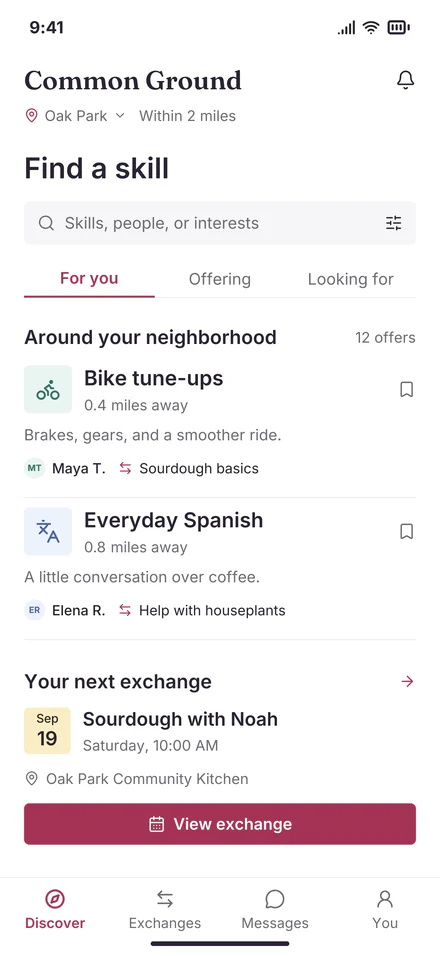
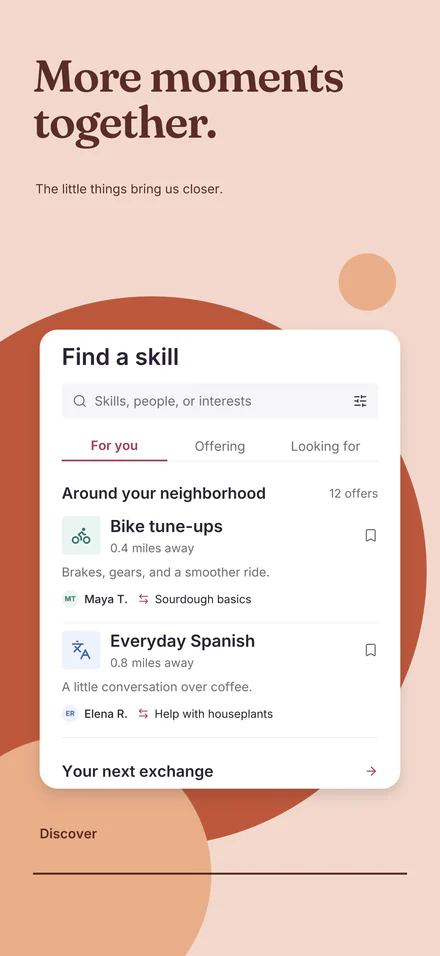
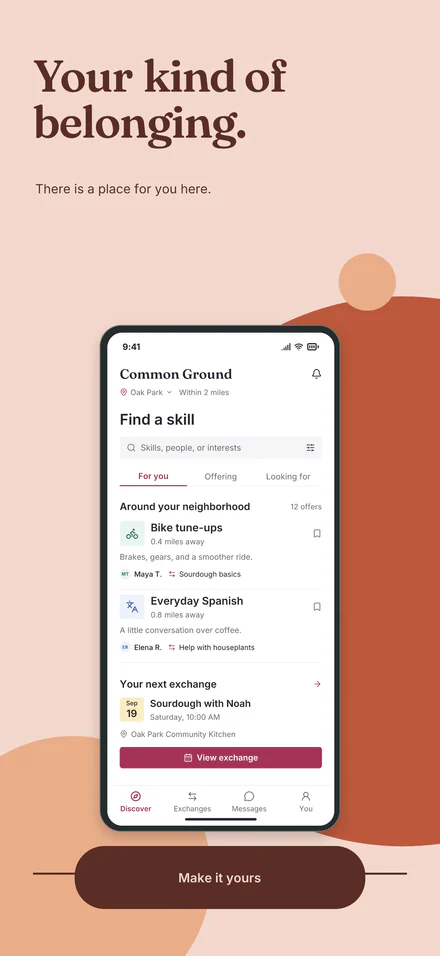
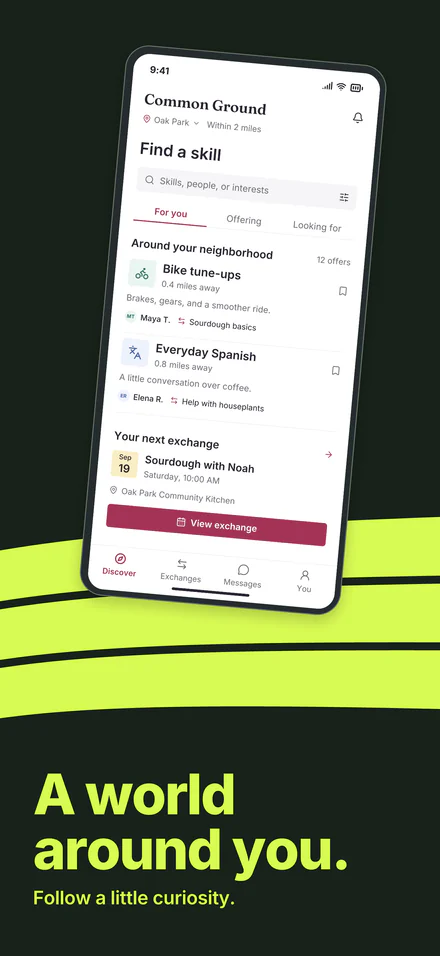
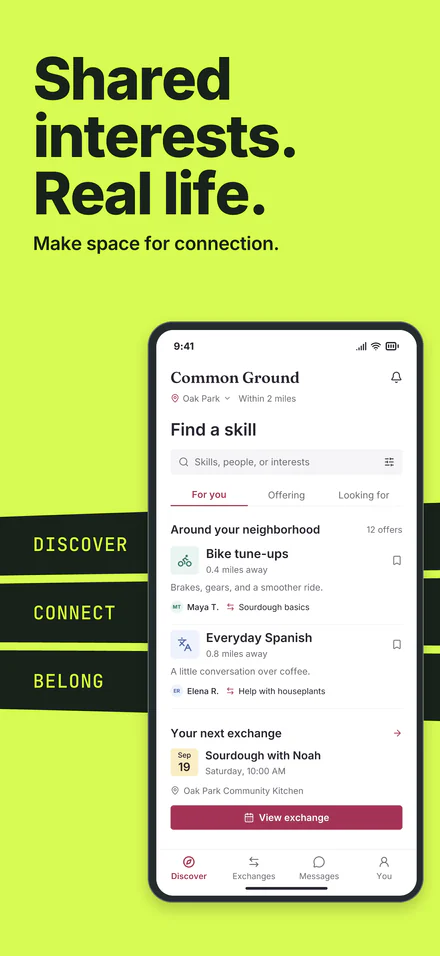
A live animation, not a screen recording: Studio’s interface rebuilt in code. Every AI result in it is real, made by Studio’s own tools for Common Ground, a fictional sample app, and shown as it came back.
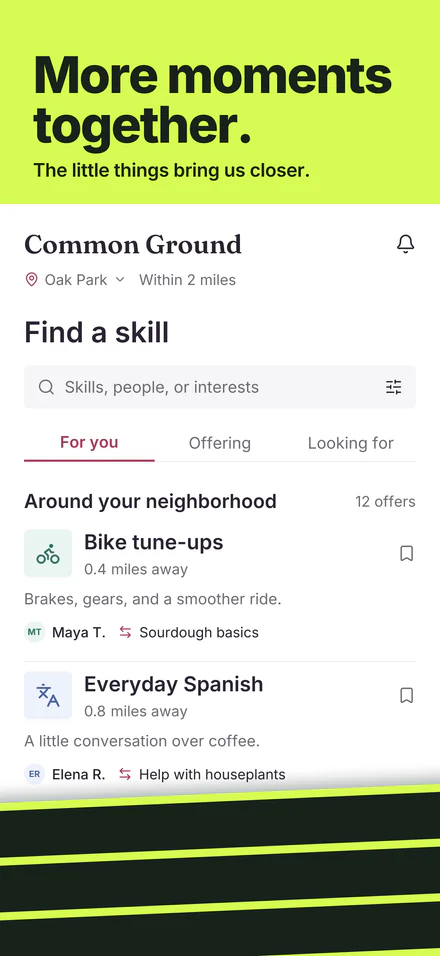
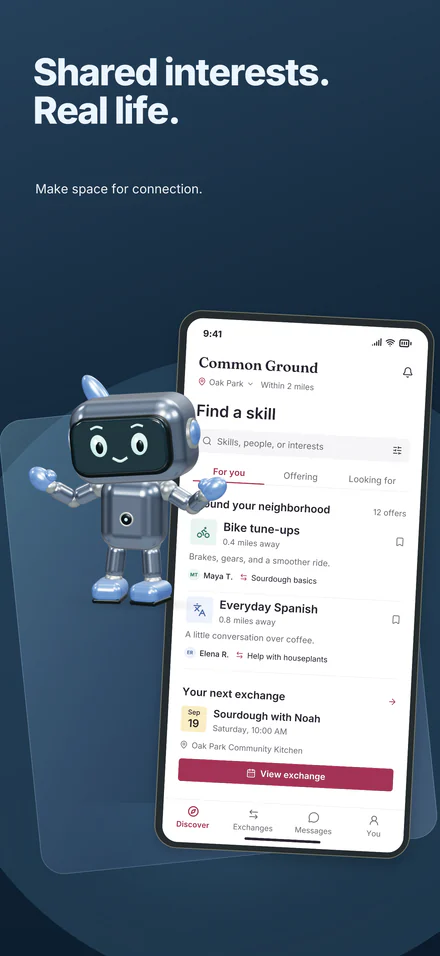
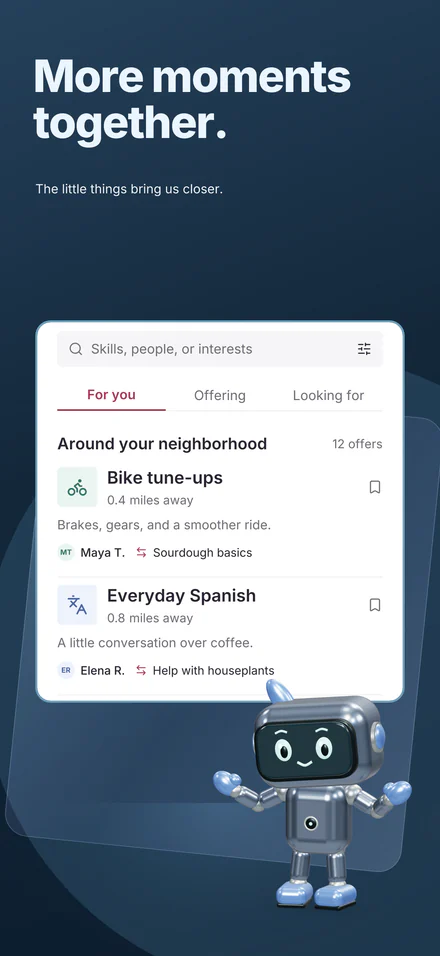
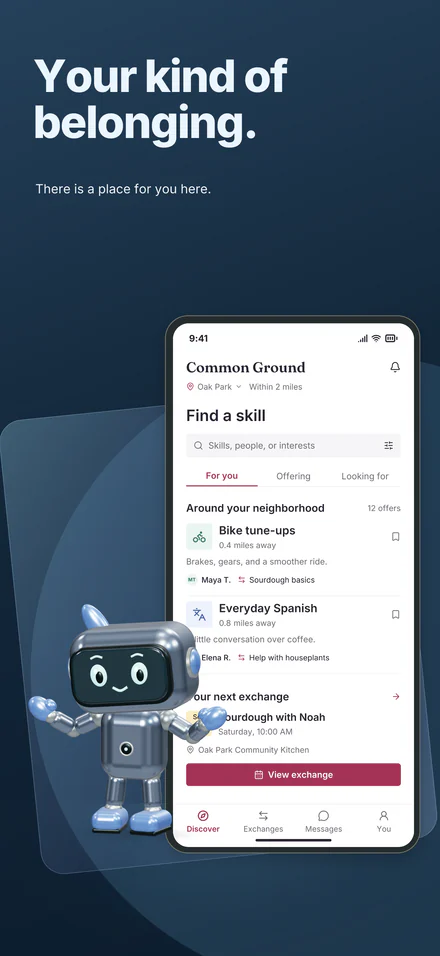
- 0:00 Design with AI. Design with AI on Common Ground, a fictional sample app. It sends your screenshot text and layout, never your screenshots. The wait is cut: Edited for length. The plan as it came back, a real answer, shown before anything changes. Before and After at every size. Changed at all 4 sizes. Changes 32 PNGs. One undoable step. Apply it, or Discard and nothing changes. Included with the $10 unlock, capped per project. On screen: Studio’s Look tab for Common Ground, a fictional sample app (the Better together set), its Design with AI section, and the preview of the plan. The request: “Make the phones a little smaller on every screenshot”. The answer as it came back, unedited: All 10 screenshots · every size: phone smaller (Done). Changed at all 4 sizes. Changes 32 PNGs. One undoable step. Beside it, screenshot 01 at iPhone 6.9″, iPhone 6.7″, iPad 13″ and Android 6.7″, before and after.
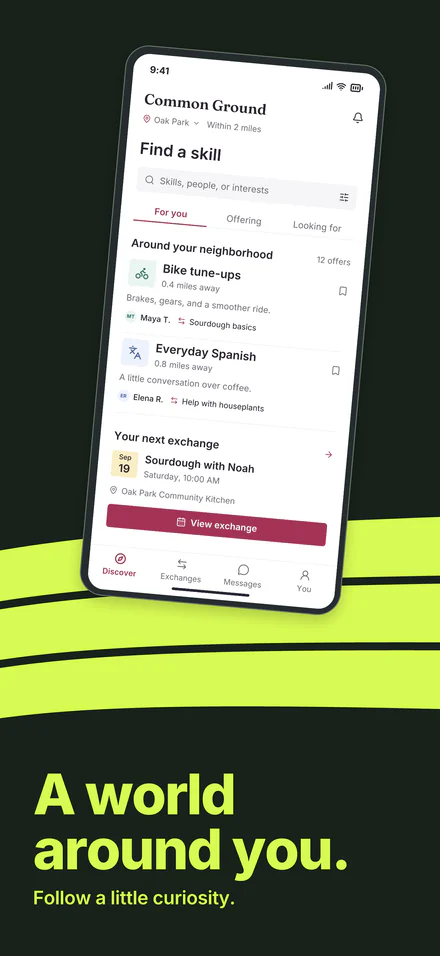
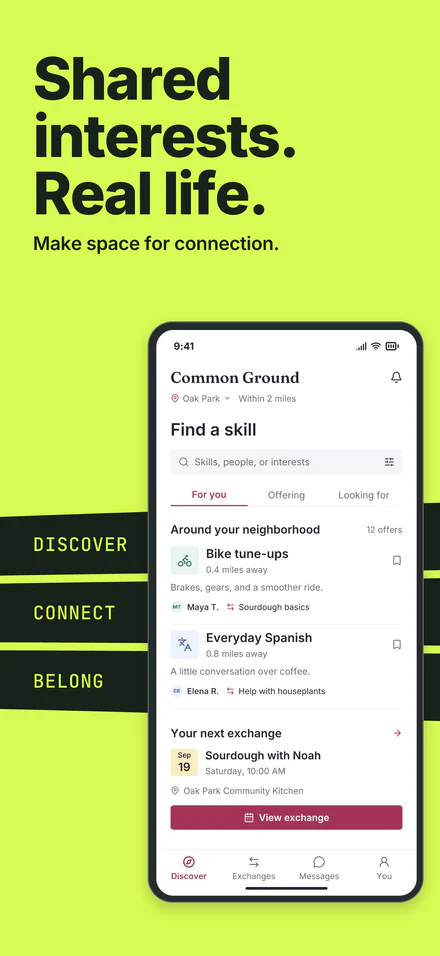
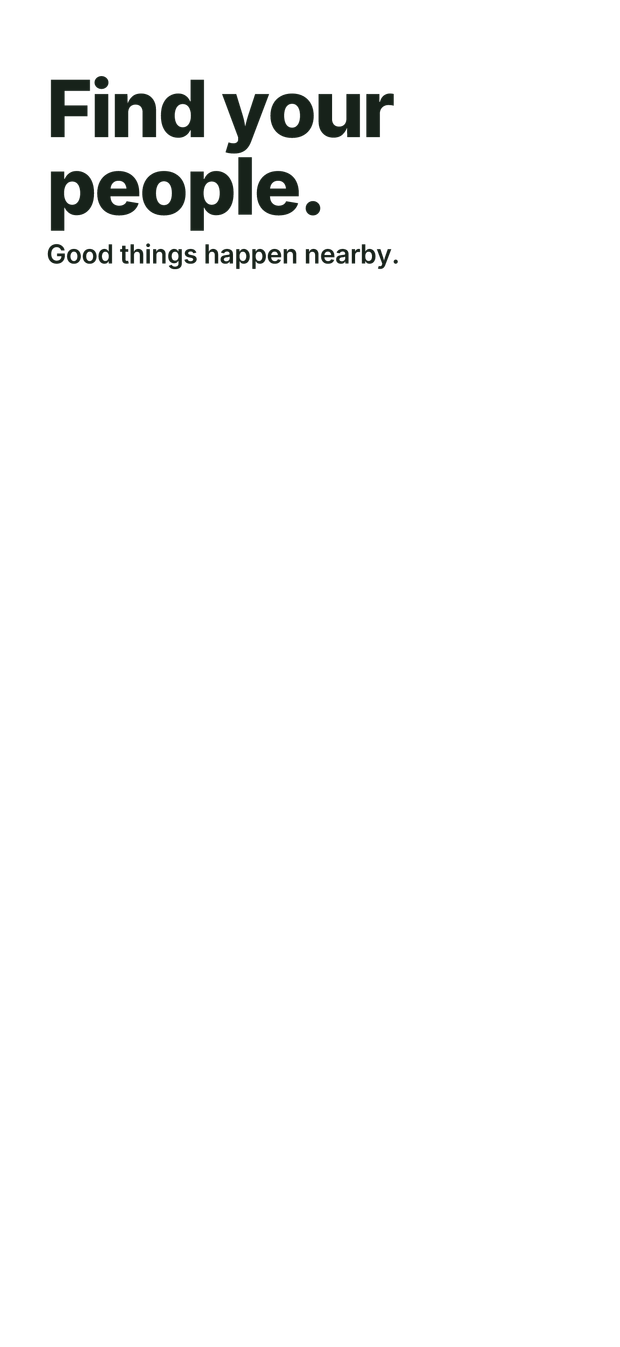
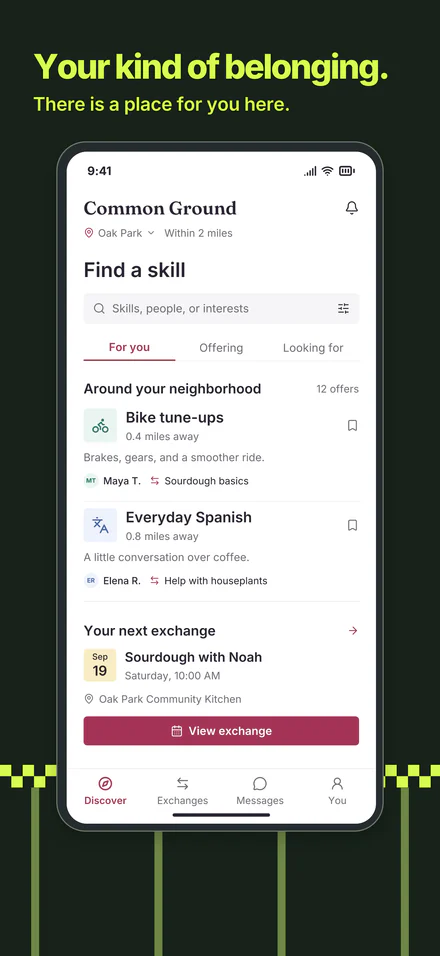
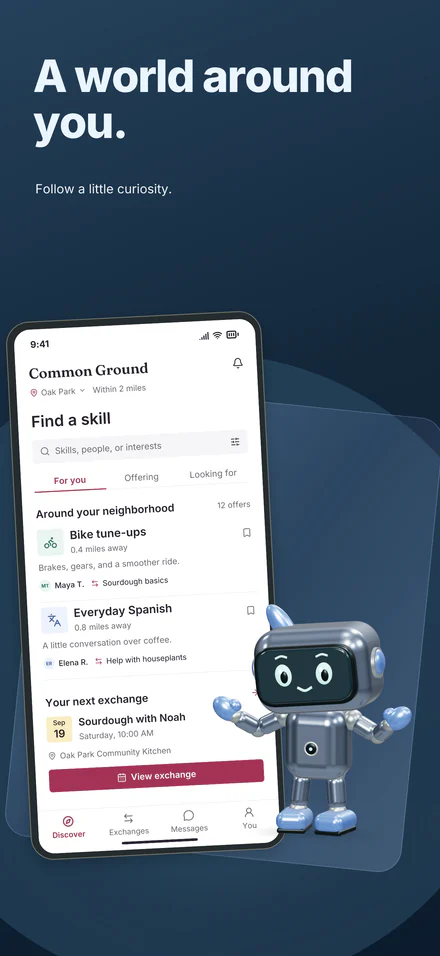
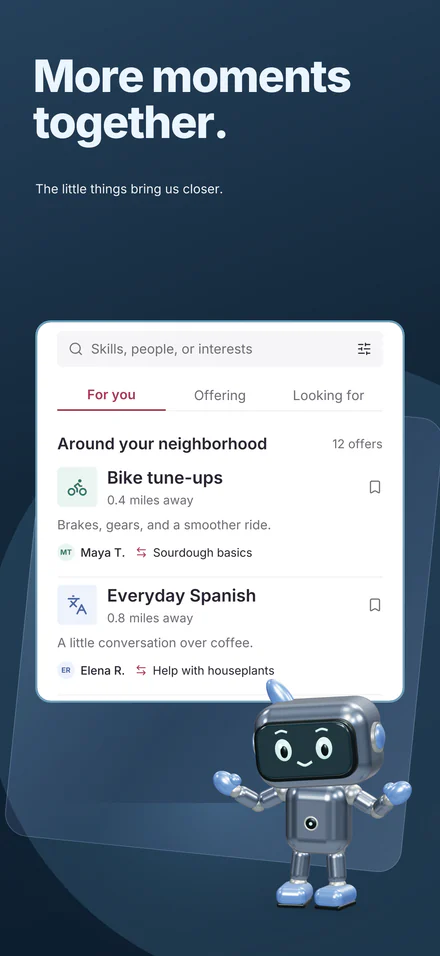
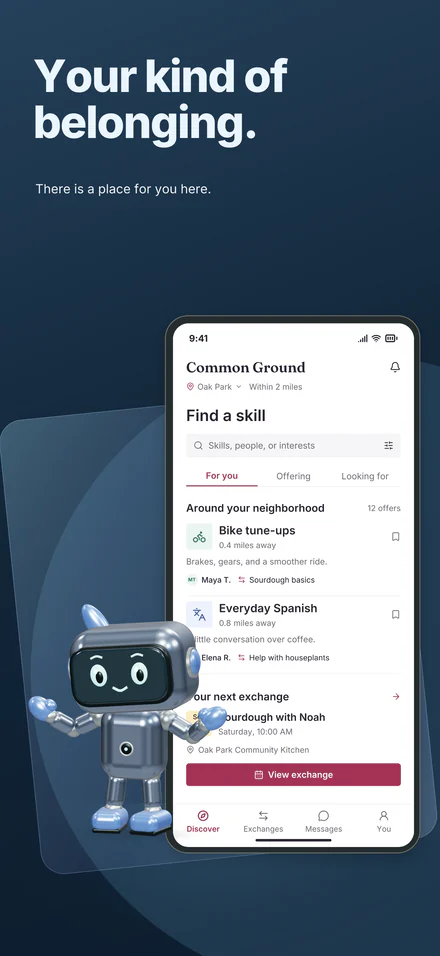
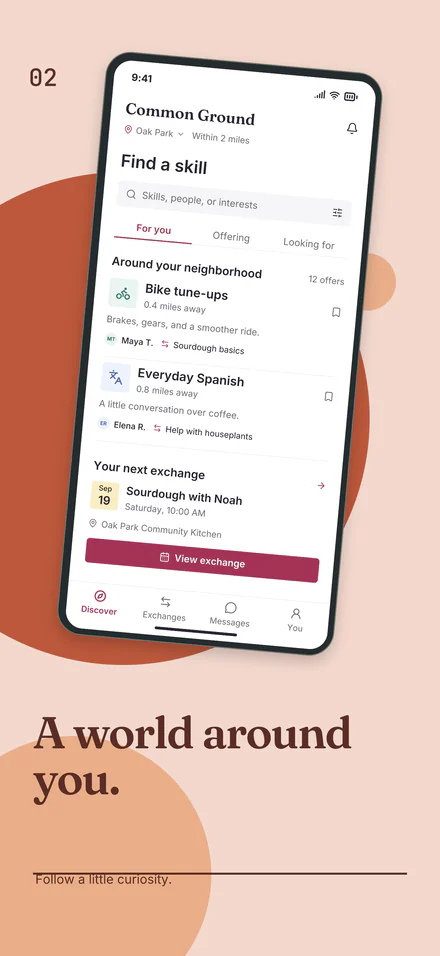
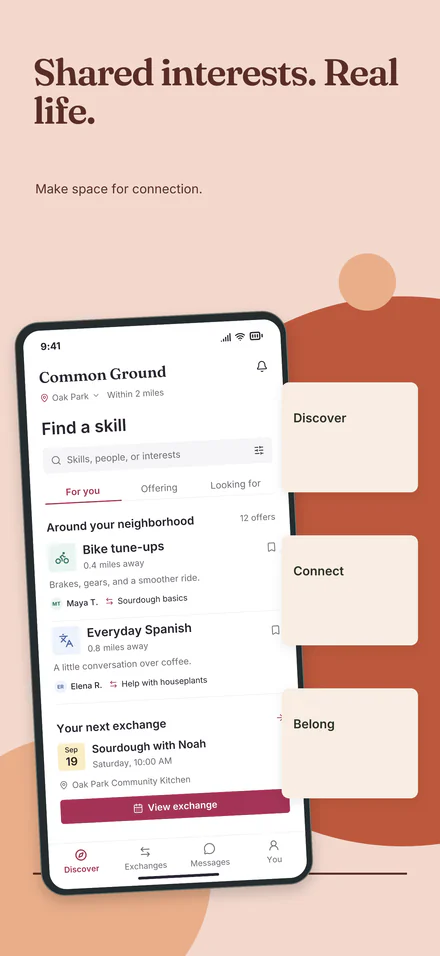
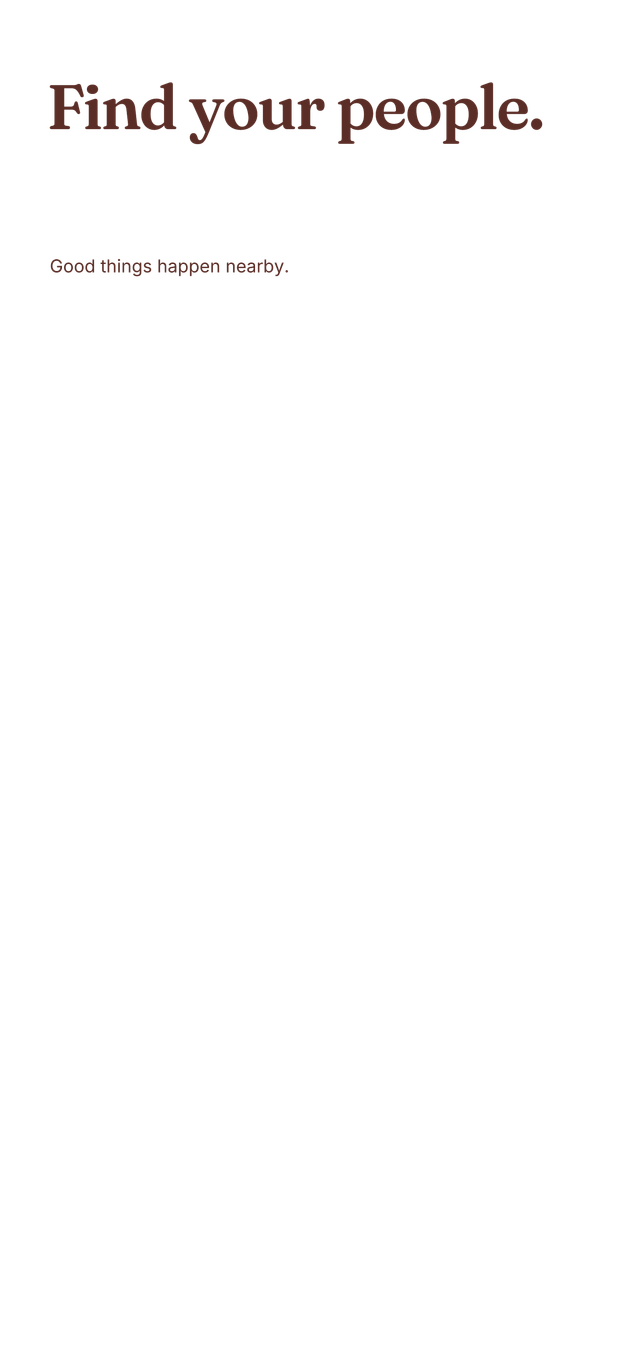
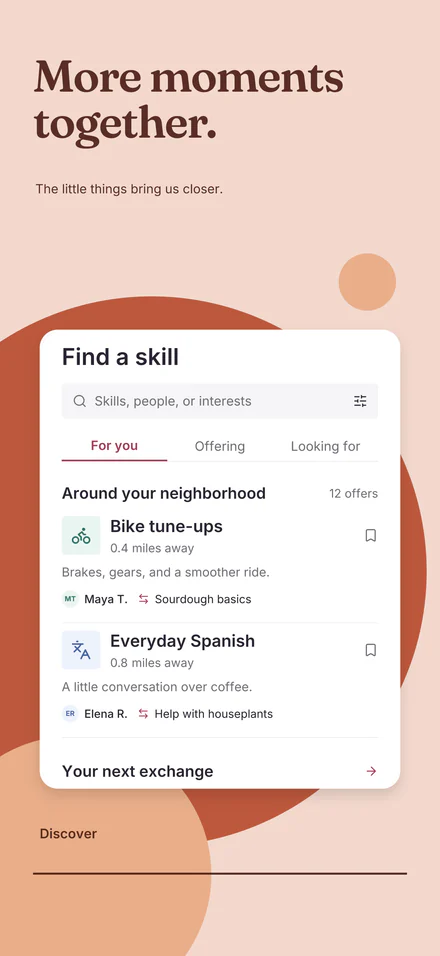
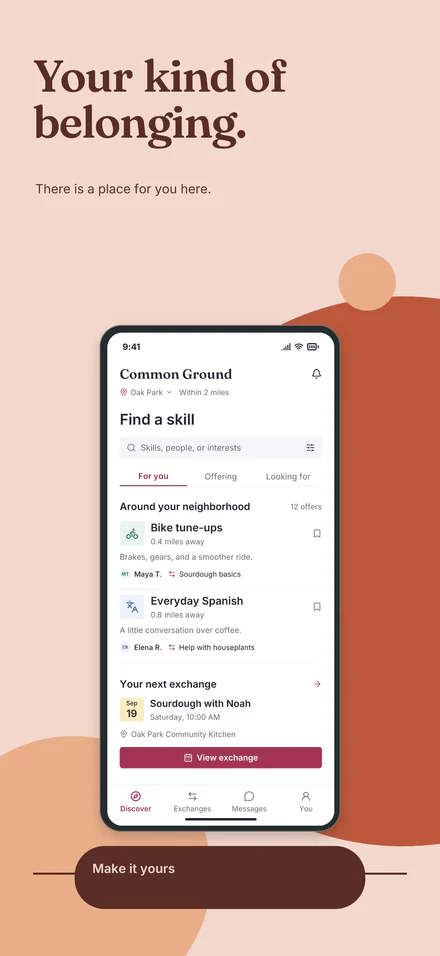
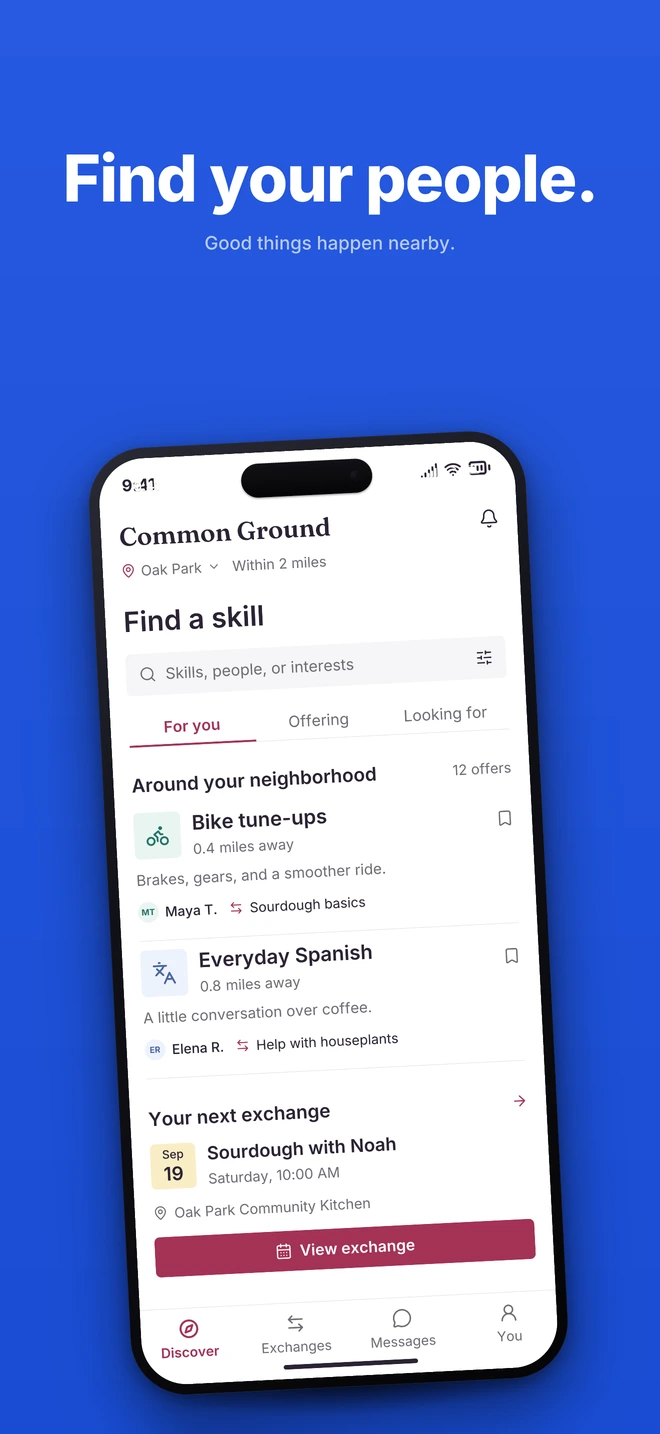
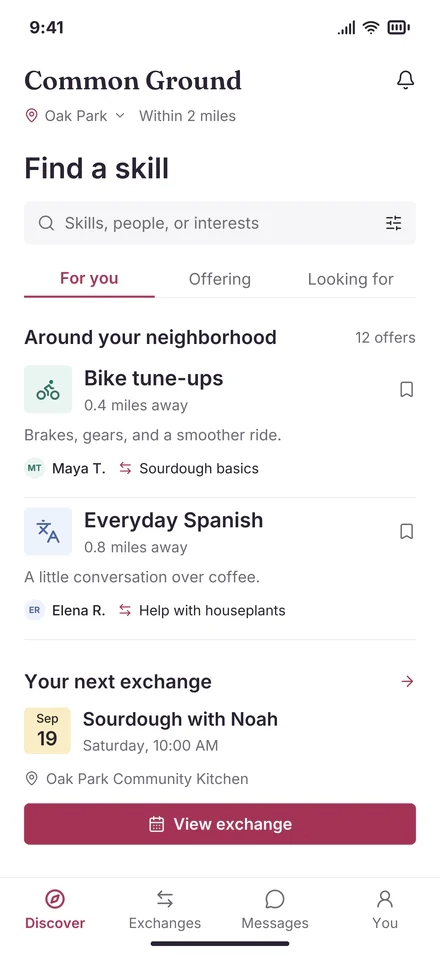
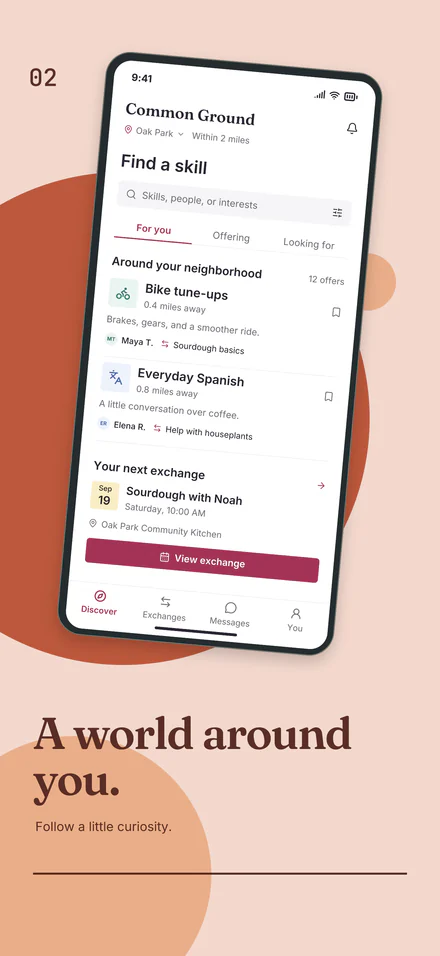
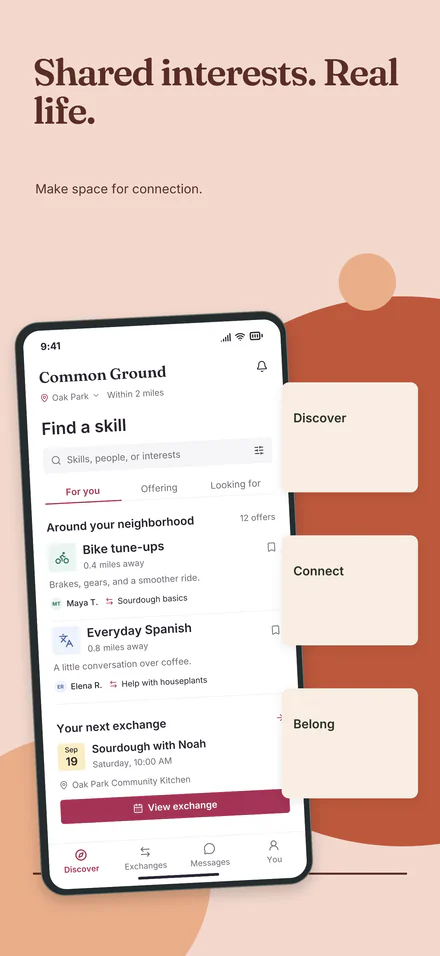
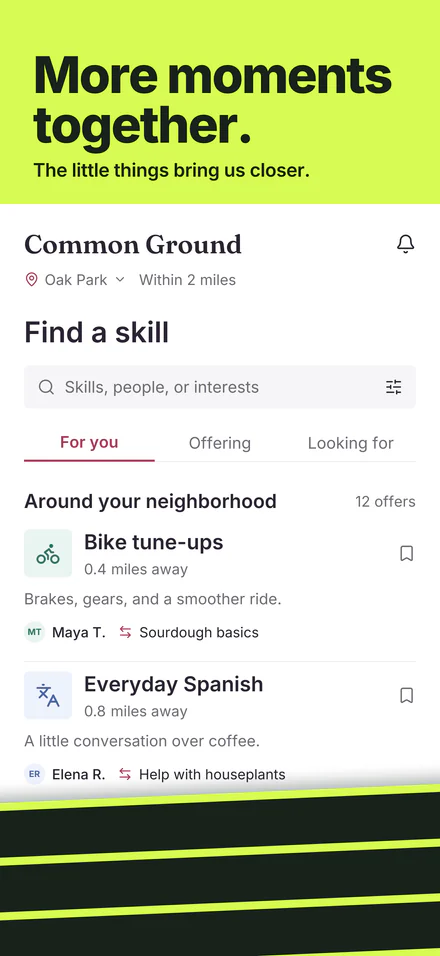
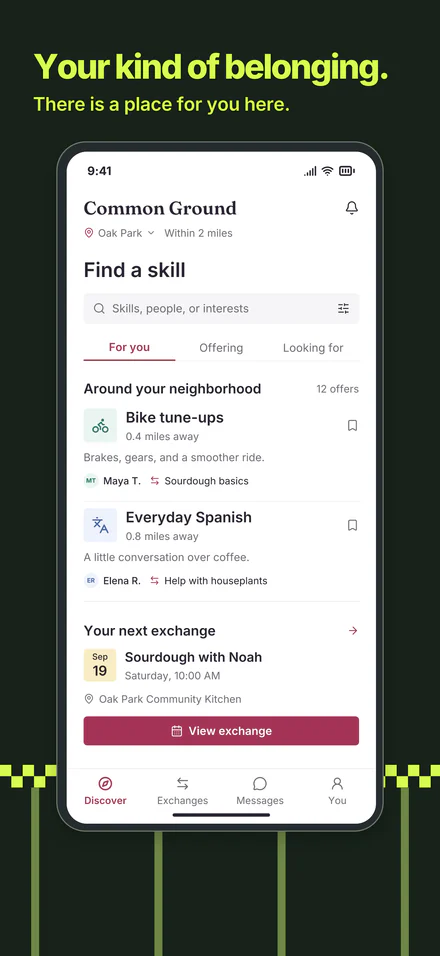
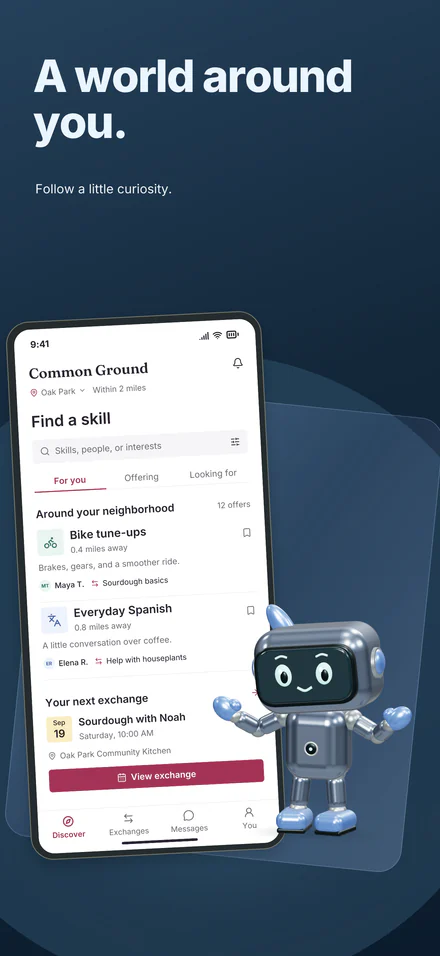
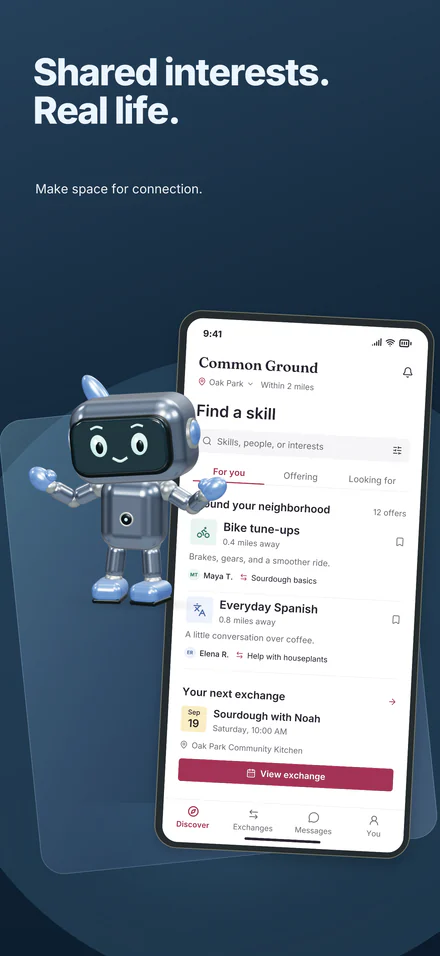
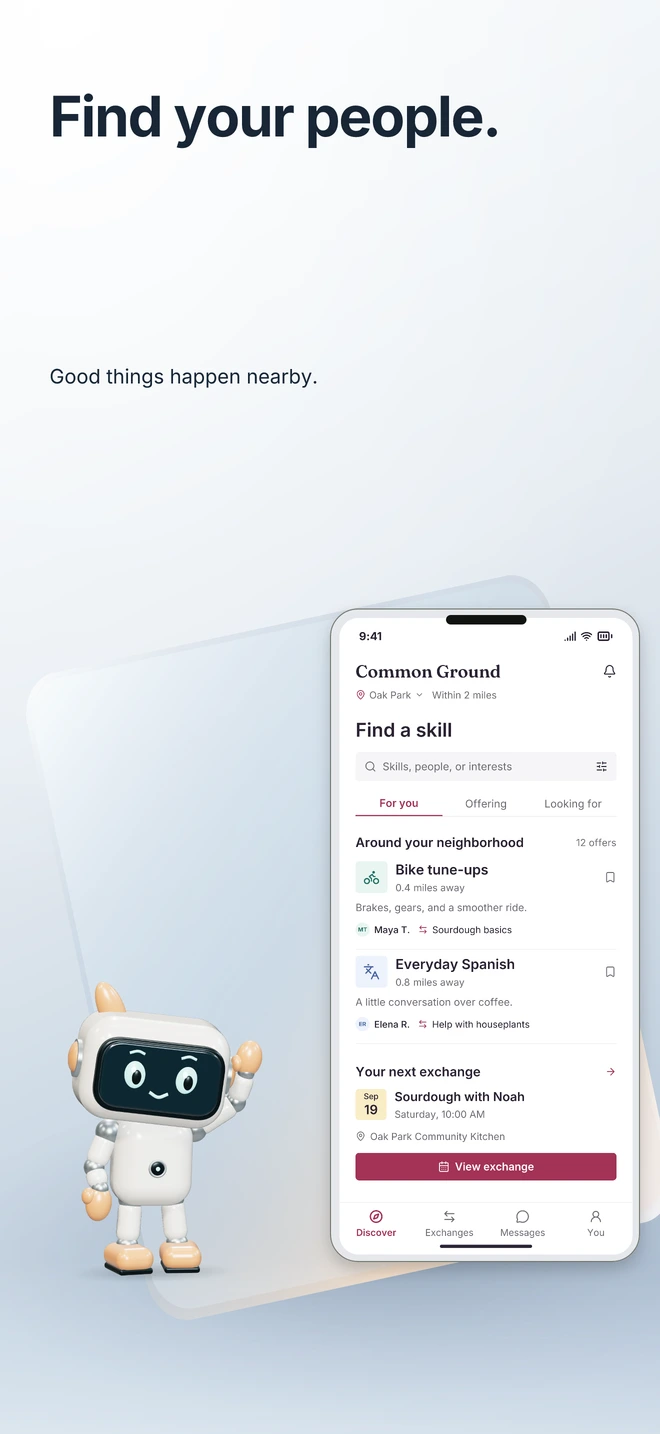
- 0:14 Write the whole set. Write the whole set drafts a headline and supporting line for every screenshot, in a tone you pick. Here, Calmer. Only words are sent, never your screenshots. Edited for length. The 10 pairs that came back, as they are: a real run on Common Ground, a fictional sample app. Included with the $10 unlock, capped per project. Undo restores the old words. The words that came back: 01: Find your people · Connection, close to home.; 02: A world around you · Follow a little curiosity.; 03: Shared interests · Make quiet space for connection.; 04: Moments, together · Little things bring us closer.; 05: A place to belong · There is room for you here.; 06: Take your time · Connect at a pace that feels right.; 07: Small things matter · A kind word, a shared hello.; 08: Part of your everyday · Good things happen nearby.; 09: Something to share · Your next good idea, together.; 10: Make it your own · Find your common ground.
- 0:27 Rewrite with AI. Rewrite with AI: new wording for every headline at one size, in a tone you pick. Here, More playful, on the sample’s own words. Edited for length. Every headline came back new: the AI’s words, unedited. Keep them, or Undo restores the old ones. Included with the $10 unlock, capped per project. The words that came back: 01: Hello, your people! · Good things happen right nearby.; 02: A whole world, next door · Let a little curiosity lead.; 03: Shared loves, real life · Make room for connection.; 04: Together, more often · Little things bring us closer.; 05: Belonging, your way · There's a spot here with your name.; 06: Take a peek · Good things happen nearby.; 07: Tiny details, big deal · Good stuff is just around the corner.; 08: Made for every day · Good things happen close to home.; 09: Ooh, your next idea · Good things happen nearby.; 10: Make it all yours · Good things happen right nearby.
- 0:41 Suggest with AI. Suggest with AI: background settings from your colors and an optional mood, not images. Your colors and the mood are sent, never your screenshots. Edited for length. For “calm morning blue”: a linear gradient, a dot pattern and a soft mesh. Each click applies one. Each applies as one undo step and stays a setting: style, colors, blur, pattern size and angle. Then “sunlit garden green”: three more. Included with the $10 unlock, capped per project. “calm morning blue”: Morning haze (Linear gradient), Soft sky dots (Dots) and Dawn drift (Soft mesh). “sunlit garden green”: Morning haze (Linear gradient), Clover dots (Dots) and Sunlit canopy (Soft mesh).
- 0:59 Background image. Generate background image makes artwork from your prompt and project colors. Sent to the AI: your prompt and project colors, never your screenshots. It can take up to a minute, so the wait is cut. Edited for length. The image as it came back, in the panel’s preview. Nothing is stored until you apply it. Applied, it is the background layer. Your screenshot, text and device stay as they are; Undo removes it. The prompt: “A soft clay miniature village on rolling hills, pastel tones, tilt-shift depth”
- 1:15 Six images. The prompts and the images that came back, unedited. 12 images per project, included with the $10 unlock. The prompts: “A soft clay miniature village on rolling hills, pastel tones, tilt-shift depth” “A cozy cafe window at dusk, warm lamps inside, rain on the glass, blurred street lights” “Flowing silk ribbons in terracotta and cream, soft studio light, elegant and calm” “Golden hour over a community garden, string lights between the trees, soft bokeh, cinematic warmth” “A paper-cut garden: layered leaves and round flowers in soft terracotta and cream, gentle shadows” “A misty lake at first light, a pale peach sky, calm water and soft distant trees”
- 1:23 Editable. AI that stays editable. Every result here is a real Studio output for fictional sample apps, unedited.